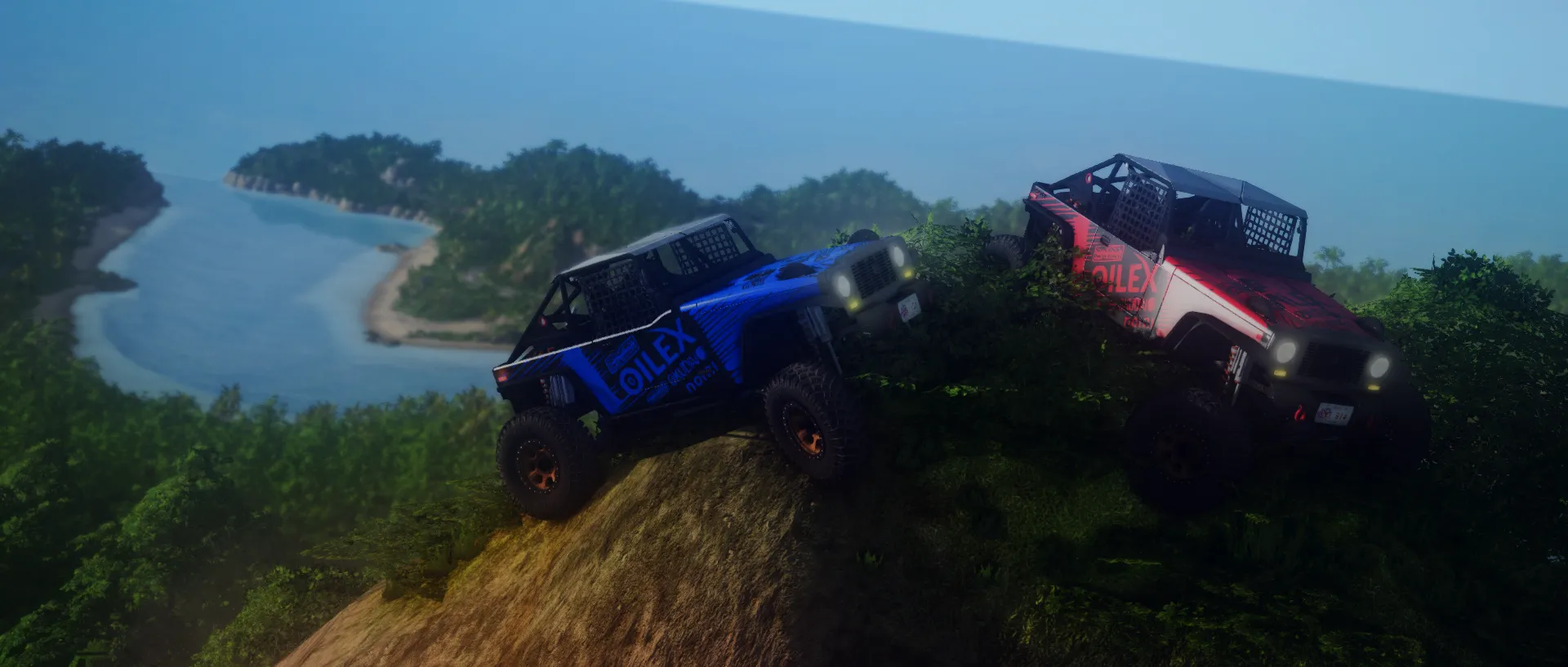
BeamMP is the official multiplayer mod for BeamNG.drive. It allows players to join online servers, host custom driving sessions, race, drift, and experience real-time soft-body physics destruction together with friends.
This guide will show you step-by-step how to download and install the BeamMP client launcher on your PC to connect to Cubes Hosting BeamNG.drive servers.
Prerequisites
Before installing BeamMP, ensure you have:
- A legitimate, working copy of BeamNG.drive installed via Steam.
- Close BeamNG.drive completely before starting the installation.
Step 1: Download the BeamMP Installer
- Open your web browser and visit the official BeamMP Website.
- Click the green Download Client button to download
BeamMP-Installer.exe.
Step 2: Install BeamMP
- Locate
BeamMP-Installer.exein your Downloads folder and double-click to run it. - Select your preferred installation language and click OK.
- Accept the License Agreement and click Next.
- The installer will automatically detect your Steam BeamNG.drive installation folder. Click Install.
- Click Finish once installation completes.
Step 3: Launch BeamMP & Join Servers
To play BeamNG.drive in multiplayer, you must launch the game using the BeamMP Launcher:
- Double-click the BeamMP Launcher shortcut on your desktop (or launch
BeamMP-Launcher.exe). - A command prompt window (the BeamMP proxy launcher) will open. Leave this window open in the background while playing!
- BeamNG.drive will launch automatically.
- In the main menu of BeamNG.drive, click on Multiplayer.
- Log in or register a free BeamMP account (or continue as guest).
- Find Your Server:
- Browse the public server list for your server name.
- Or click Direct Connect on the left menu and enter your Cubes Hosting server's IP Address and Port (e.g.
192.168.1.50:30814).
Troubleshooting Client Issues
- Command Prompt Closes Immediately: Ensure your anti-virus software or Windows Defender is not blocking
BeamMP-Launcher.exe. Add an exception for the BeamMP installation folder if necessary. - "Multiplayer" Option Missing in Main Menu: Make sure you launched the game using
BeamMP-Launcher.exerather than launching directly through Steam.
Conclusion
Installing BeamMP takes less than two minutes. Download the client from BeamMP.com, launch BeamMP-Launcher.exe, and jump into multiplayer servers with your friends!